

Compatibility
Properties
string
required
group - the type of the componentstring
required
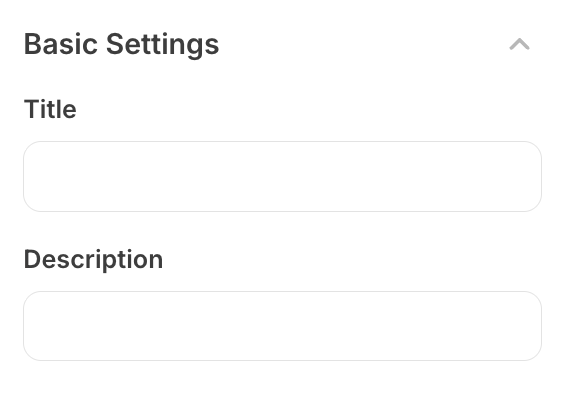
Creator-facing identifier that is shown as the group header in the plugin
environment
array
required
Array of child setting objects that will be displayed within the collapsed
group. Each setting should be a valid plugin setting component.
string
Brief creator-facing explanation that clarifies the group’s purpose and usage. (256 character limit. Supports markdown:
[text](url), **bold**, and *italic*)object array
Allows for the group to be shown conditionally, dependent on other fields. See
dependencies page for more details.