

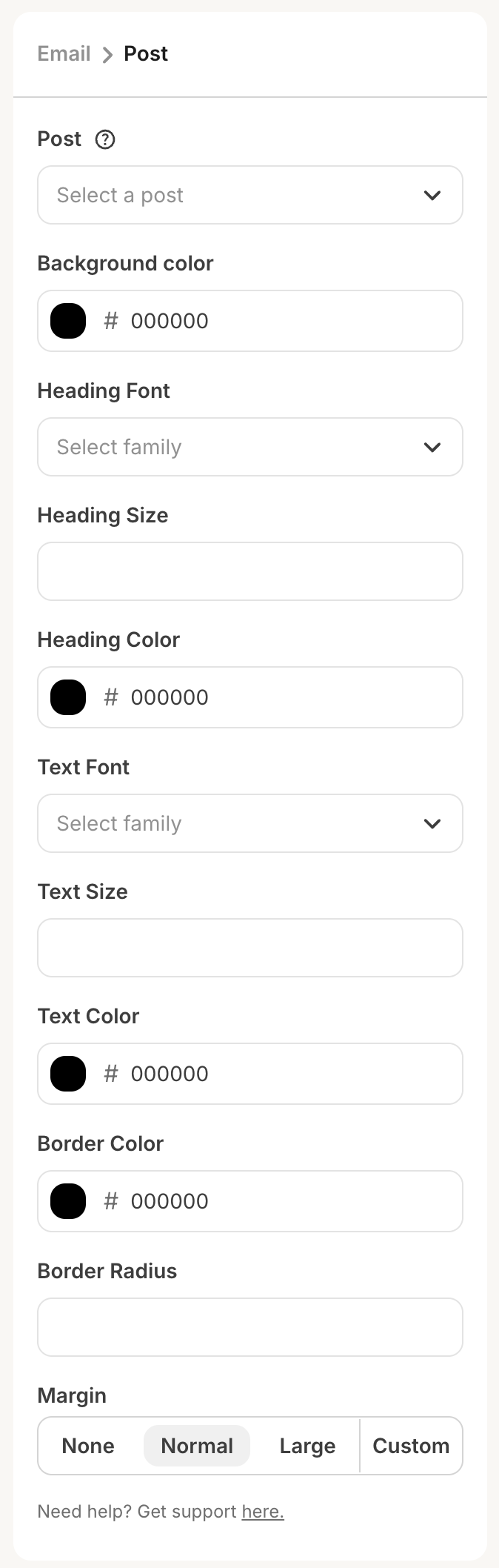
All UI components available for standard content blocks—text inputs, color pickers, search inputs, and the rest of the component library—are available for dynamic content blocks as well.
Additional configuration fields
dynamic
Set to true to mark this plugin as a dynamic content block. This tells Kit to treat the HTML returned by your endpoint as a Liquid template rather than final, static HTML.
identifier
A short, unique string that identifies this content block plugin element within your app (used in the Apps Dashboard and for uniqueness across plugin elements).
Rules:
- Lowercase letters, numbers, and underscores only
- Must be unique within your app
related_plugin_id), Liquid paths use the linked event node’s identifier, not this content block’s identifier:
yourapp and the related event node’s identifier is abandoned_checkout, template variables are scoped under automation.yourapp.abandoned_checkout.*. The content block and event node identifiers are often named similarly by convention, but they are configured separately—only the event node’s identifier appears in that middle segment.
related_plugin_id
The automation event plugin that provides subscriber-specific data for this block. In the Kit App Store builder, this is selected from a dropdown listing your app’s automation event plugins. This links your dynamic content block to the workflow step that captures and stores the data.
Your dynamic content block will only render correctly when used in an automation that includes the linked event plugin. The event plugin is responsible for populating the automation context data that your Liquid variables reference.
Sample data lives on the event plugin
When a dynamic content block is linked to an automation event plugin, both the list of fields creators can reference in Liquid and the sample data used for the editor preview are configured on the event plugin, not on the content block plugin. Open your event plugin in Apps → your app → Plugins → [event plugin]. In the Context card, paste a JSON object into Sample data. The top-level keys become the fields creators can reference in Liquid; the nested values are used to render the preview in the email editor.The sample data you configure here is the same data your event plugin’s
fetch_events response should provide at runtime under the per-event context key. See automation node plugin configuration for the runtime side.Request format
When a creator adds your block to an email or adjusts its settings, Kit makes a POST request to yourRequest URL with the following body:
context_variable is omitted.
settings— The creator’s current sidebar setting values, same as a standard content block.styles— The surrounding email’s typography styles, keyed by HTML tag (p,h1–h6,a,ul,ol,blockquote). Each value is an object of CSS property/value pairs (e.g.color,font-family,font-size,line-height). Use these to match your block’s output to the email’s design. Tags with no overrides are included as empty objects.dynamic— Alwaystruefor dynamic content block requests.context_variable— Present when the block is linked to an automation event plugin. Value is theidentifierstring of that linked event node (the same value that appears as the middle segment in Liquid:automation.{app_identifier}.{event_node_identifier}.*). Kit does not send merged workflow context or subscriber payloads on this POST—onlysettings,styles,dynamic, and optionallycontext_variable. Usecontext_variableif you need to branch server-side logic between event types; fetch live data from your own systems usingsettingsand your app’s auth model.
Response format
Your endpoint should respond with a JSON object. Kit’s response schema requires anhtml key; other top-level keys are not validated out, but only html is required for success.
The html value should be a Liquid template that references automation data using automation.{app_identifier}.{event_node_identifier}.* when linked to an event node:
errors array in the body for debugging or logging: